
Enter a room
Join public rooms or private spaces with your team/friends. Set your objective before you start.
Buggyverse helps you turn intention into completed work through live focus rooms, timers, accountability, and measurable execution loops.
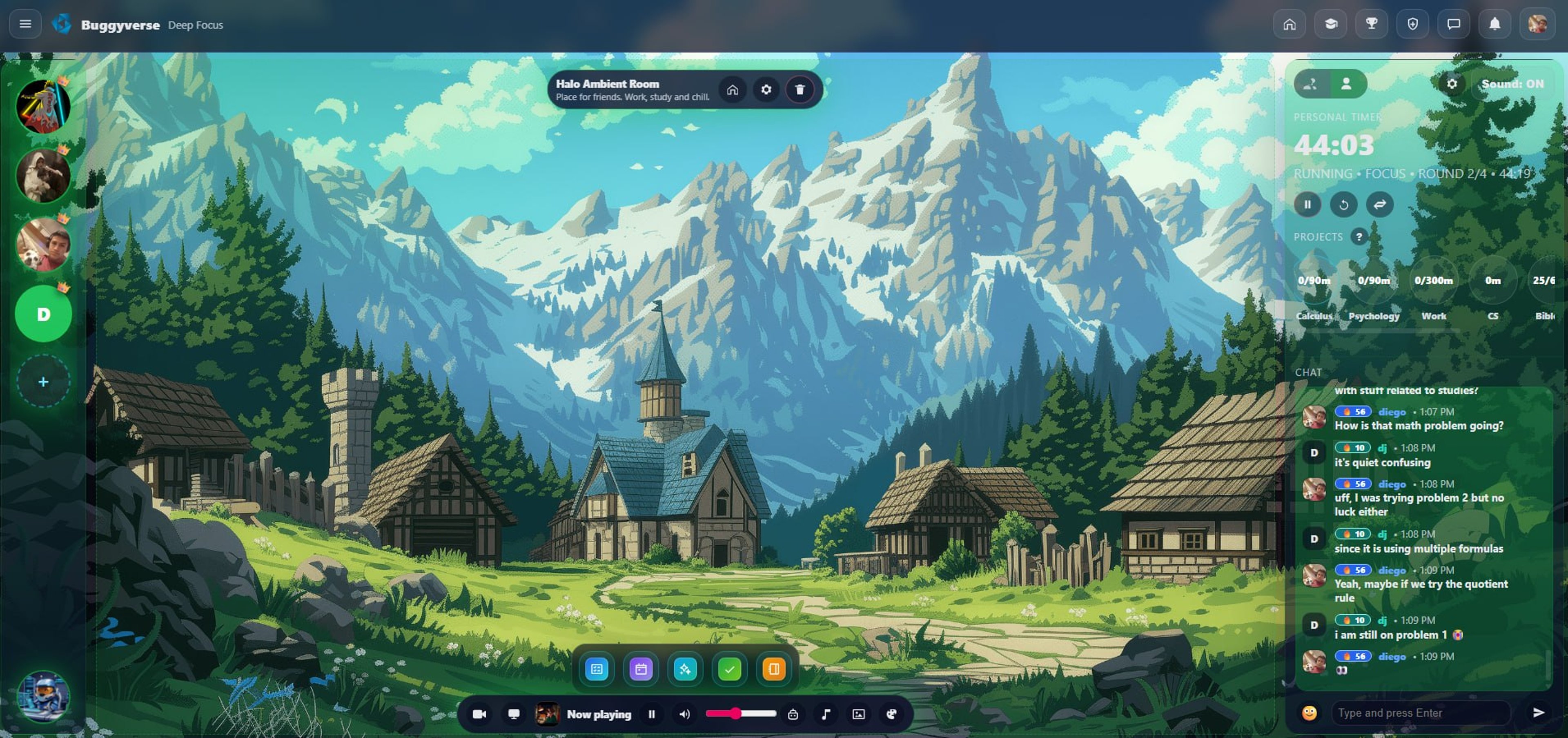
Simple enough to repeat daily, structured enough to produce real output.
Join public rooms or private spaces with your team/friends. Set your objective before you start.
Use focus timers, project trackers, and task windows to protect deep work time.
Presence, room flow, and visible progress make it easier to finish what you started.
Close with outcomes, not intentions. Then launch the next block with momentum.
Everything is designed to keep you in motion: less context switching, more finished work.
From here, you launch the tools that keep you productive: planning, tasks, habits, and execution workflows, all in one place.

Build an execution queue you can actually finish, with priorities, due dates, and a clean room-native workflow.
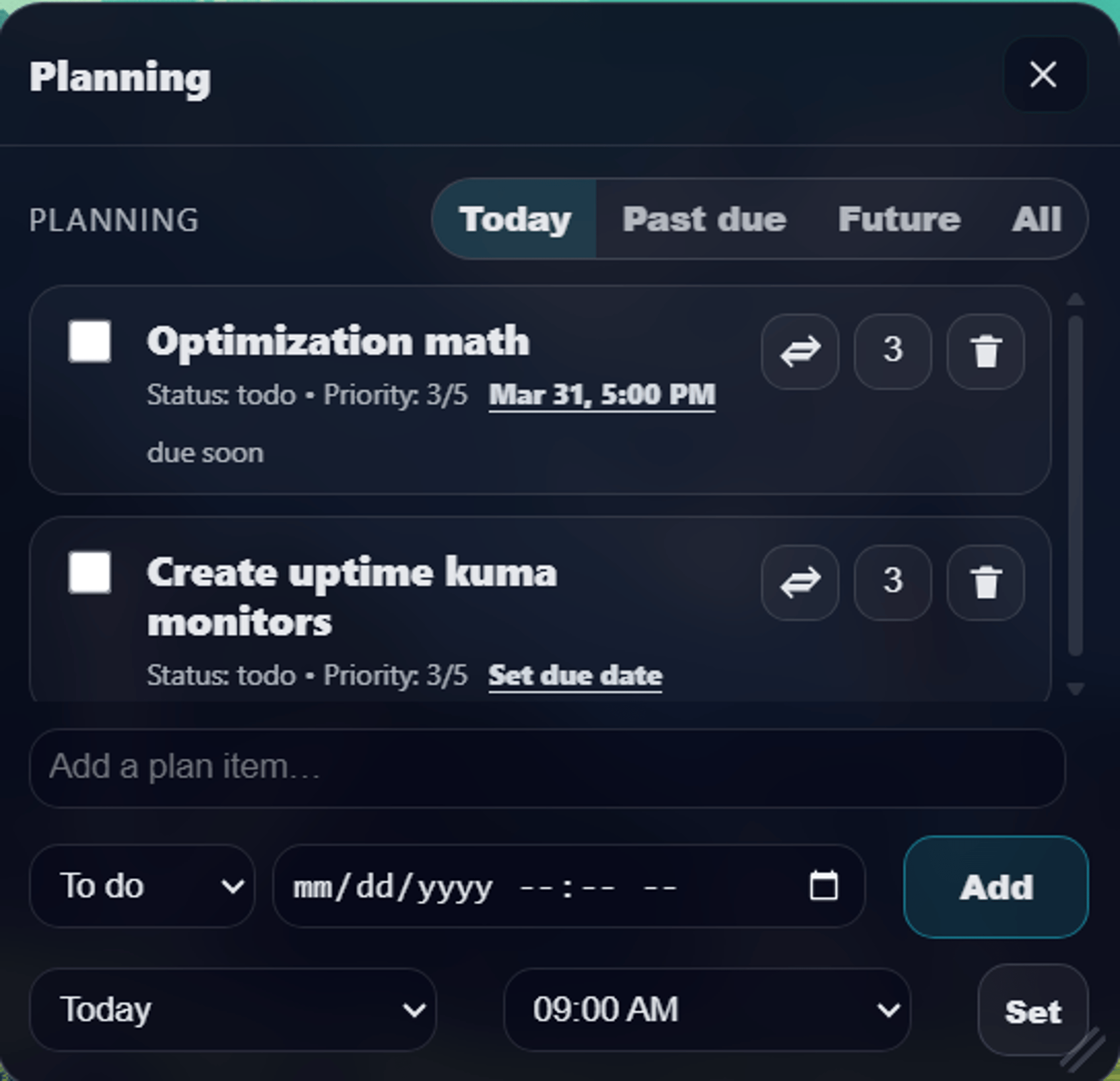
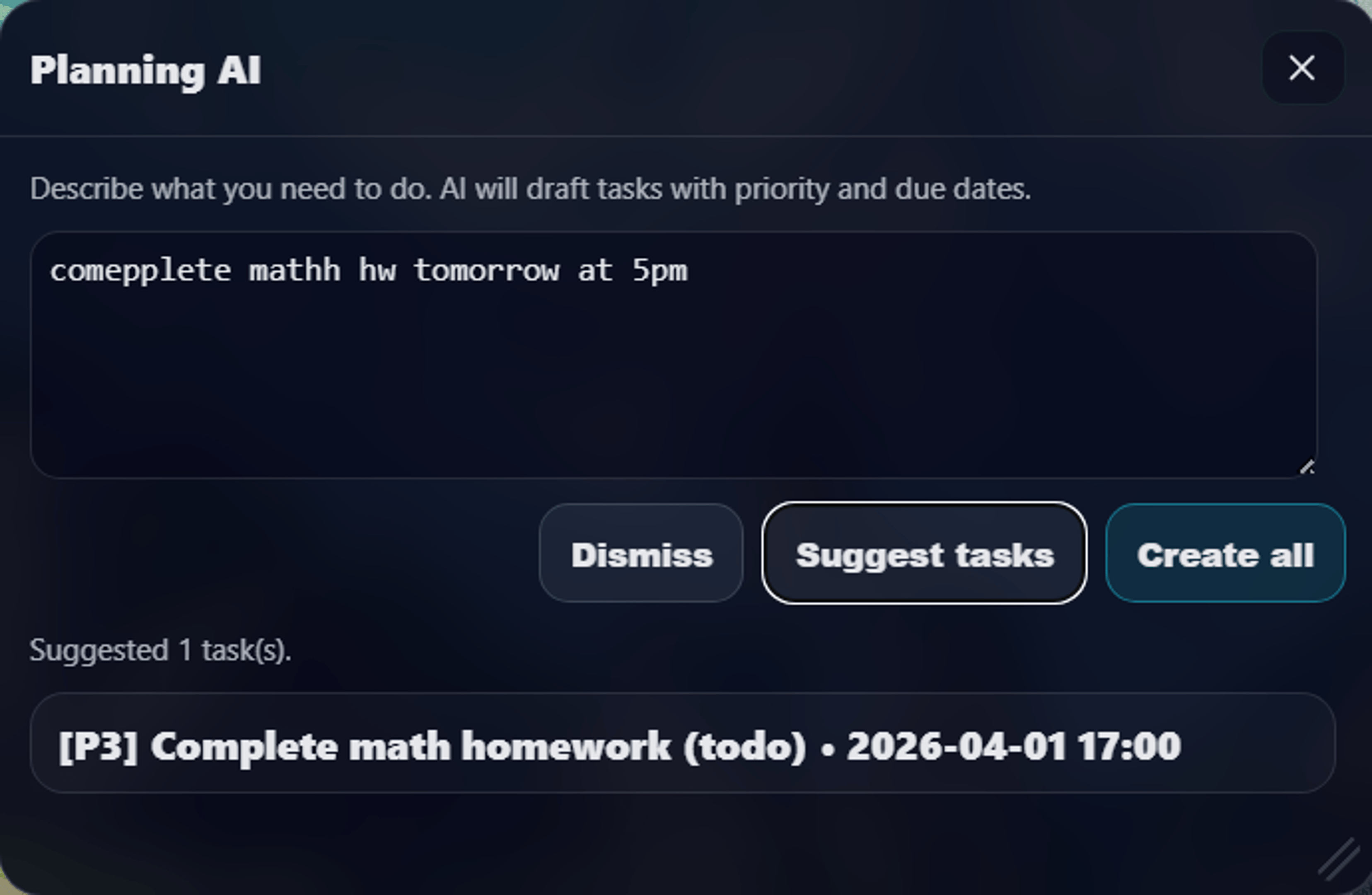
Generate practical task breakdowns from your objective and turn them into executable steps in one flow.
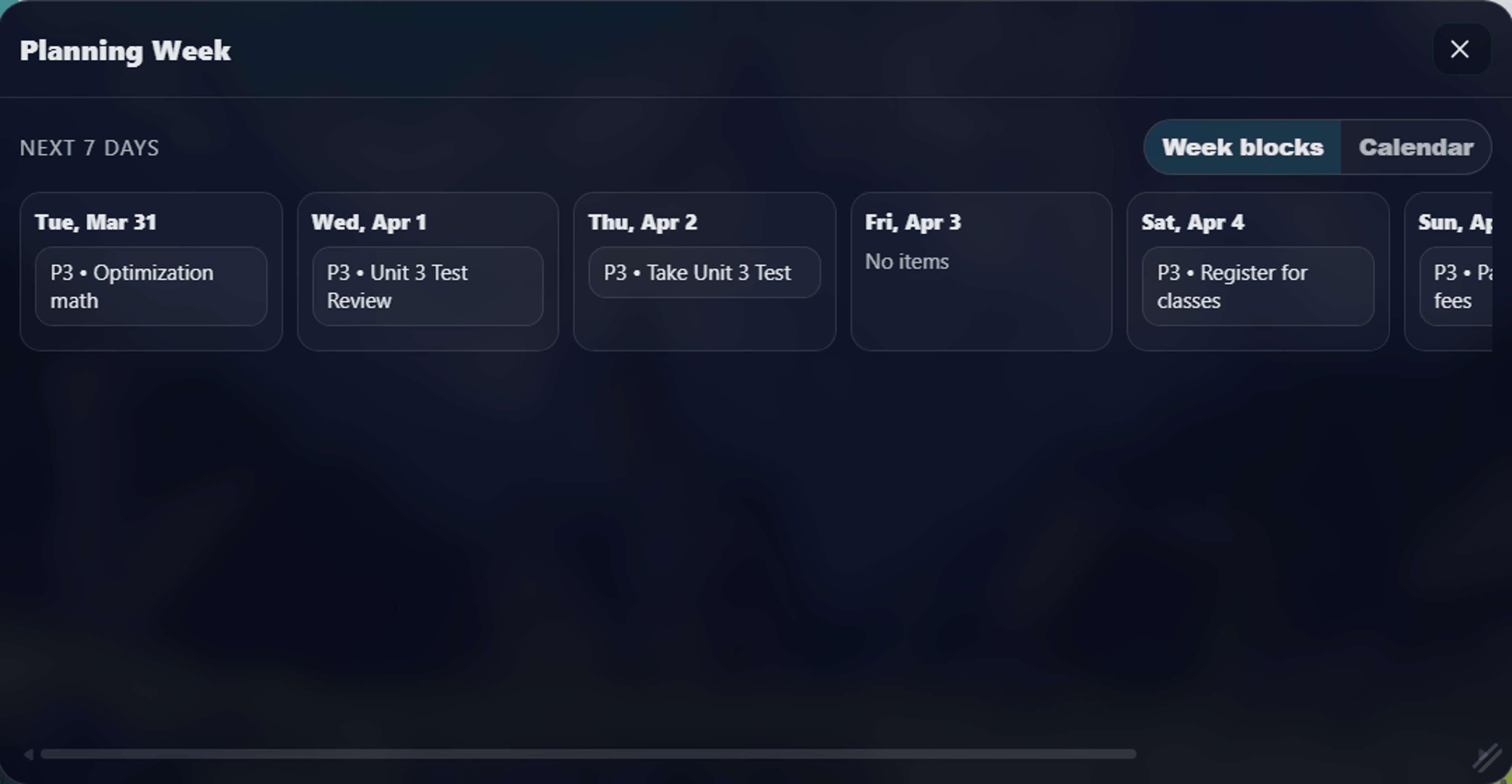
Plan your week visually, then execute each day with less context switching and better workload balance.
Make commitments visible across days so your output stays consistent, not reactive.
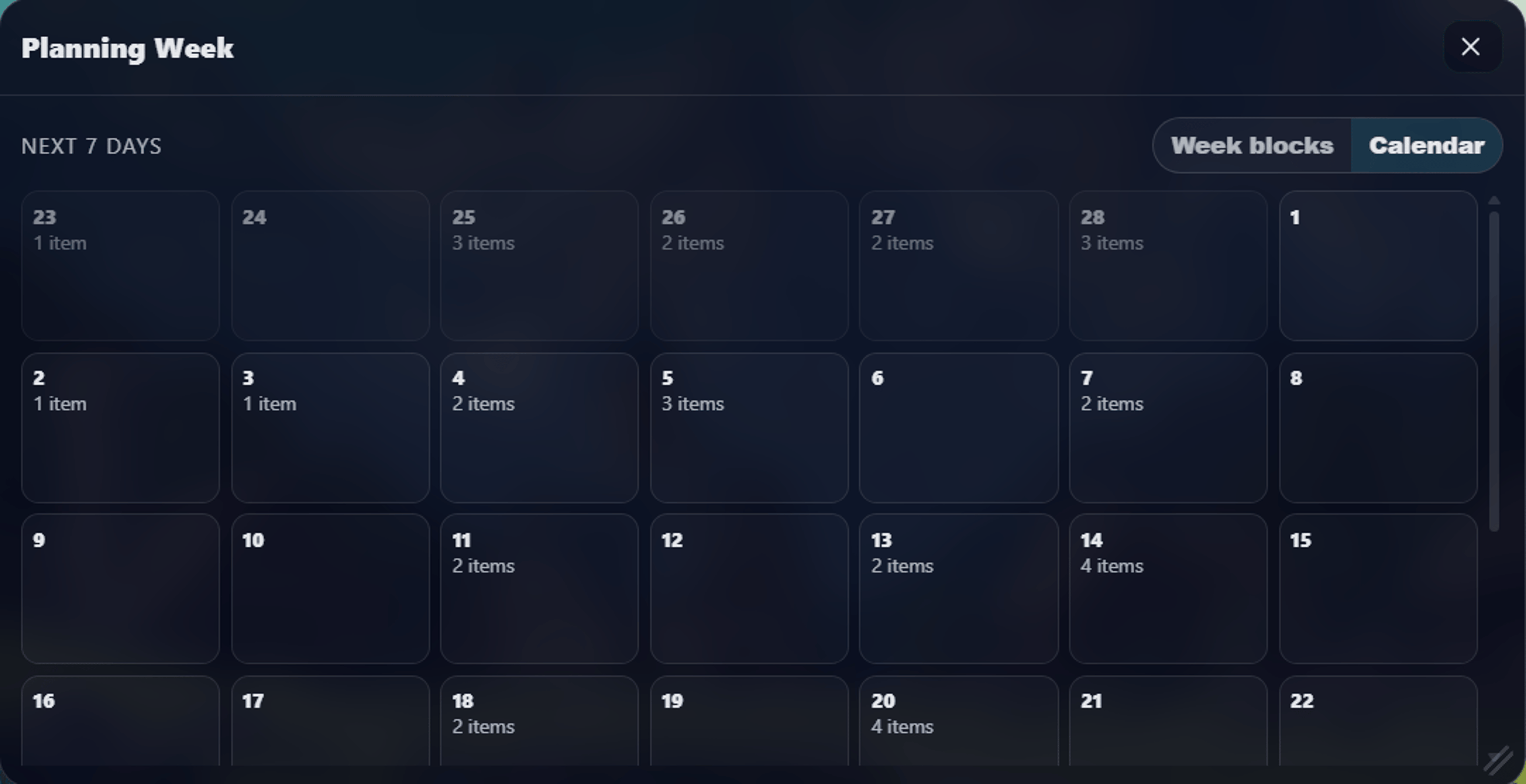
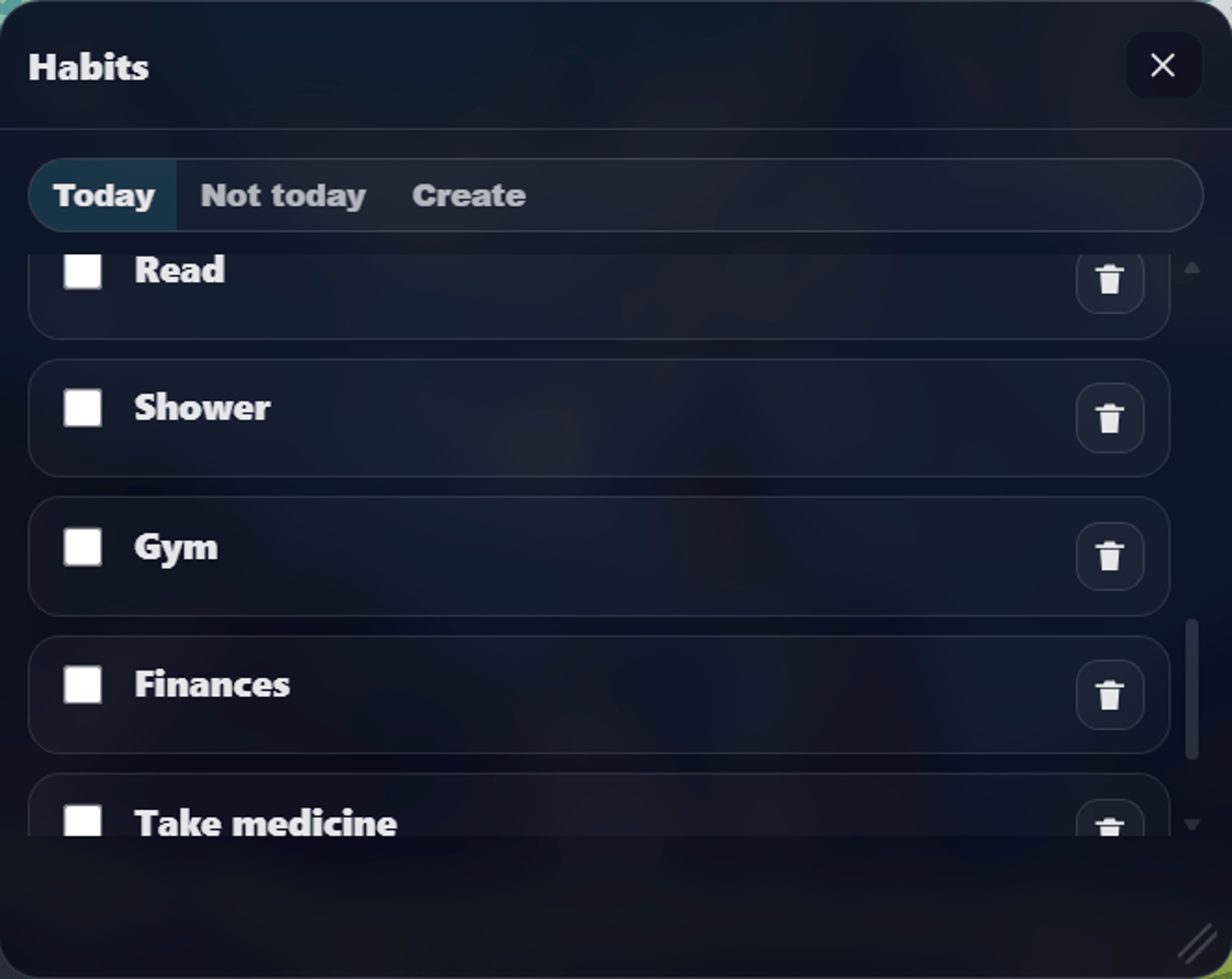
Attach behavior to your schedule so daily execution becomes automatic over time.
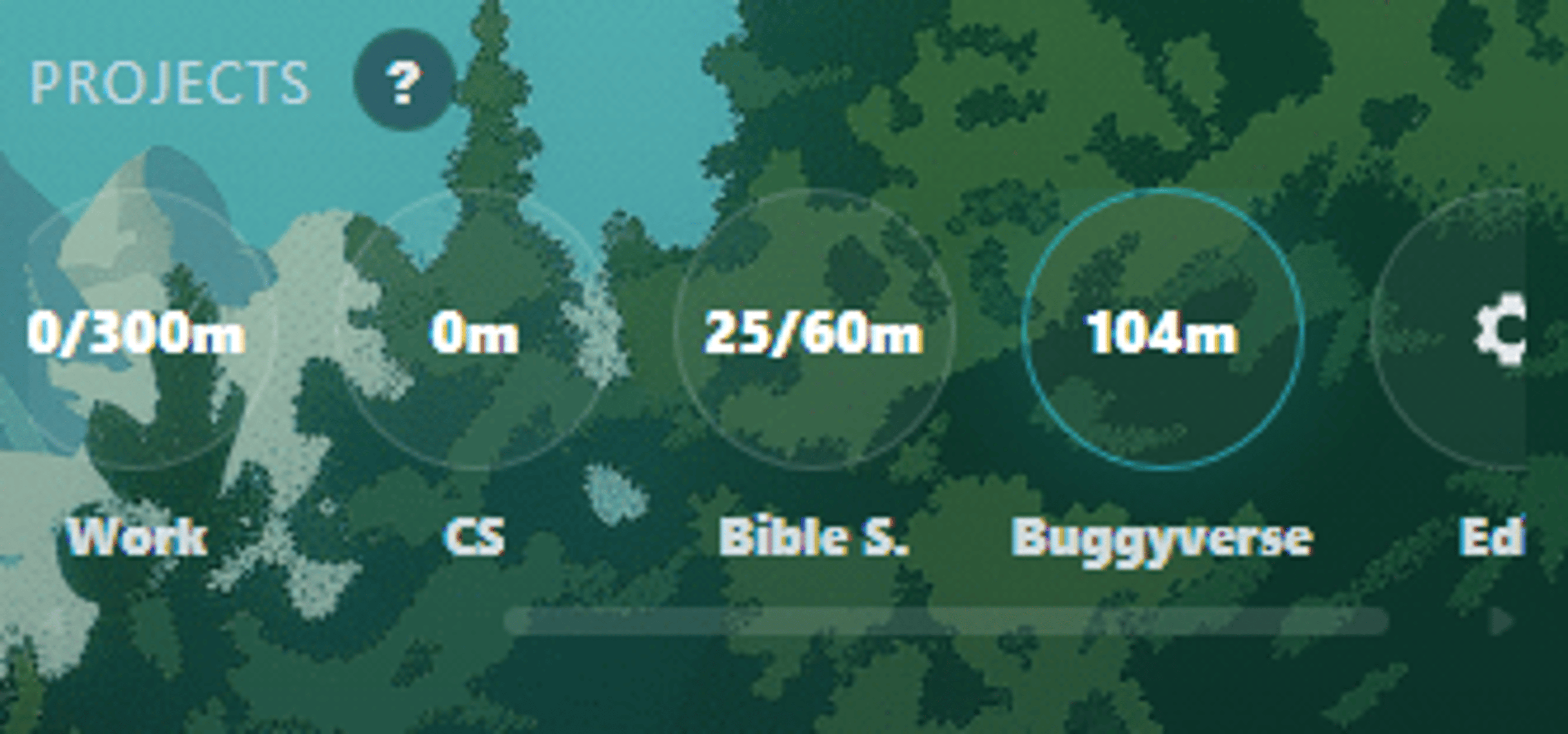
Keep project context attached to active focus sessions so time spent maps to real output.
Rooms are the core — but consistency comes from everything wrapped around them: reading, peers, data, and a little pressure when you need it.
A built-in reading space: keep your reading list inside Buggyverse and turn book time into tracked, distraction-free sessions.
Get motivated by your peers: public wins, streaks, routines, and setups from people who are actually putting in the hours.
Daily, weekly, and monthly reports of your real focus time — see exactly where your hours go and watch consistency build.
Room stay-time leaderboards and daily streaks with freezes — friendly competition that makes showing up feel like winning.
Opt-in AI accountability: Buggy watches your session intent and calls you out when you drift. Tough love, on your terms.
Shared room music, ambient scenes, and personal overrides — set the atmosphere that keeps the whole room in flow.
Join a room and run your next deep-work block now.