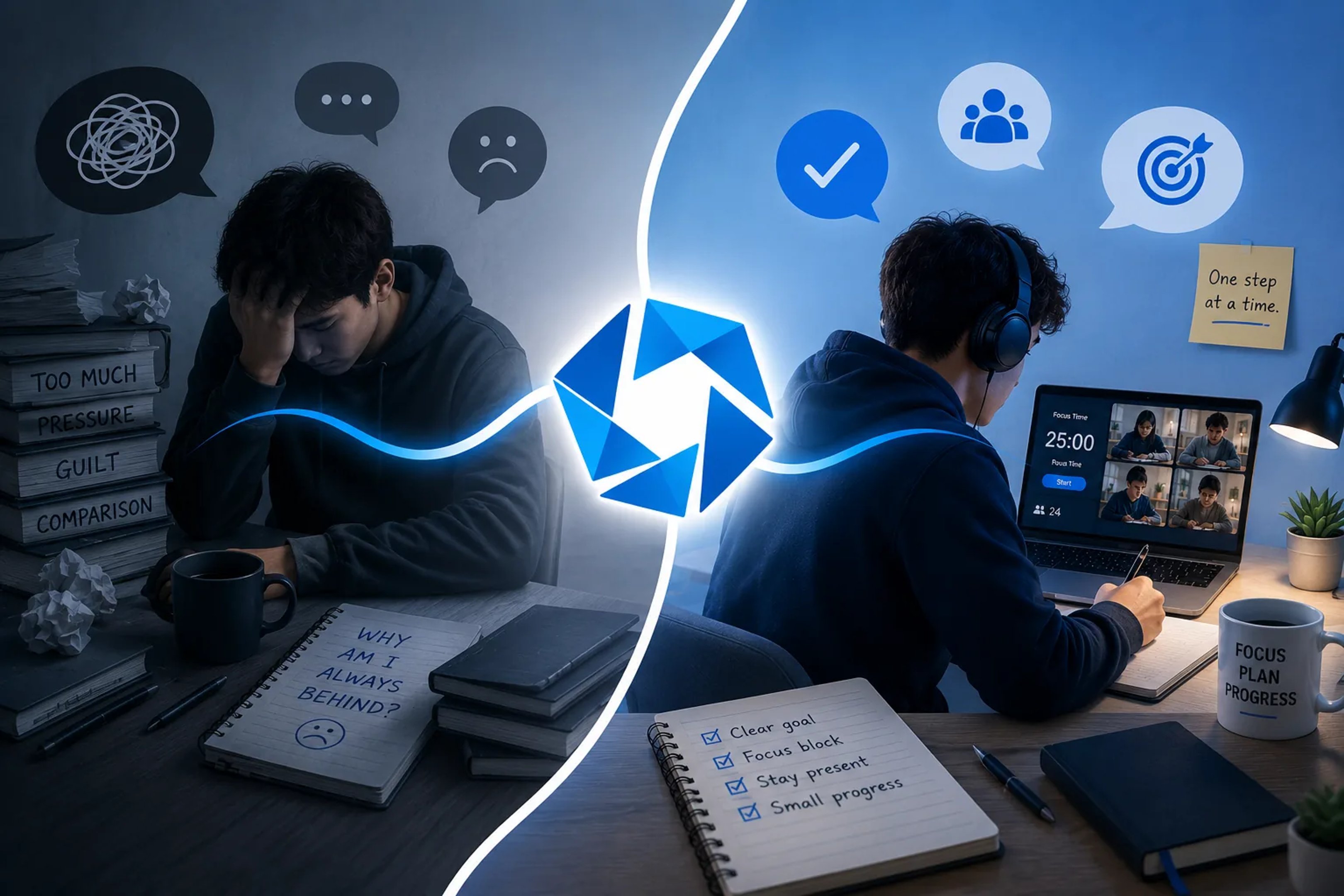
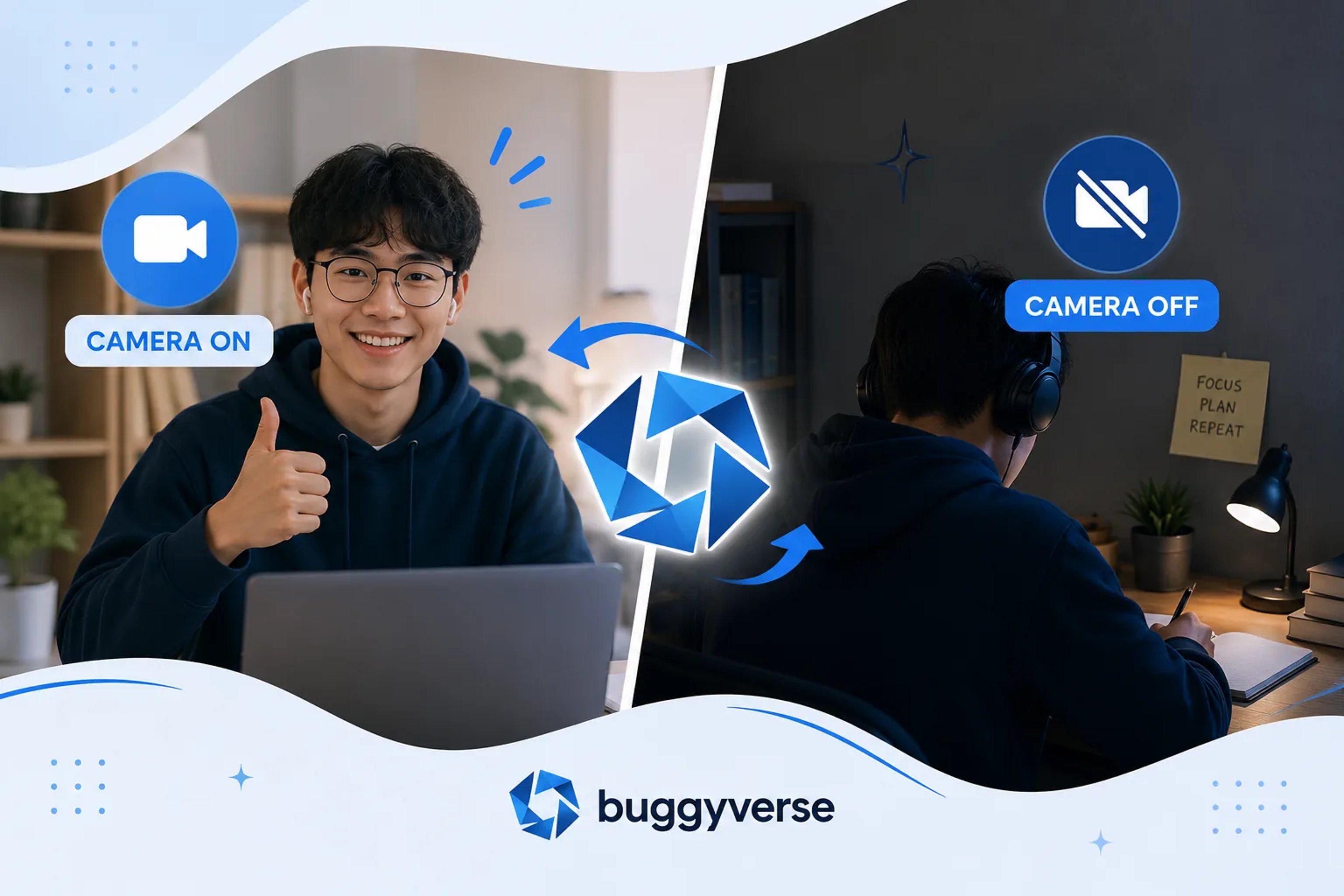
Camera rules can change how a focus session feels within seconds. For some students, turning the camera on creates accountability and helps them stop drifting. For others, it adds stress, self-consciousness, or screen fatigue that makes studying harder instead of easier.
That is why the real question is not whether camera-on or camera-off study sessions are universally better. The better question is this: which setup helps you do your work with the least friction?
If you have ever joined a study room, virtual coworking session, or accountability call and wondered whether you should keep your camera on, this guide will help you decide. You do not need a perfect rule. You need a setup that matches your attention, your environment, and the kind of support you actually need.
Short answer: both can work
Students can succeed with either format. Camera-on sessions often help with visible accountability and social pressure in a useful way. Camera-off sessions often help with comfort, privacy, and mental energy. The best option depends on what usually breaks your focus.
Use this quick rule of thumb:
- Try camera on if you procrastinate when no one can see you, struggle to get started, or want a stronger body-doubling effect.
- Try camera off if you feel tense on video, study in a noisy or shared space, have low bandwidth, or notice that self-awareness makes you less productive.
You can also mix both. Many students start with the camera on for the first few minutes, then turn it off once they are locked in.
Why camera-on sessions help some students focus
Camera-on sessions can be useful because they create a gentle sense of presence. You are not studying alone anymore. Someone else can see that you showed up, sat down, and started. That small layer of visibility can reduce the urge to wander off.
This works especially well for students who:
- keep delaying the start of a task,
- get distracted by their phone as soon as a session begins,
- benefit from body doubling, or
- feel more consistent when a routine has a social element.
In practice, camera-on studying can help in three ways:
- It raises the cost of disengaging. You are less likely to disappear into random tabs when other people can see you are meant to be working.
- It improves session commitment. Turning the camera on can feel like a small contract with yourself: I am here to study now.
- It creates momentum. Seeing other people working can make it easier to match their pace and settle into your own task.
For students who struggle most with starting, this can make a real difference.
Why camera-off sessions help other students focus
Camera-off sessions remove a different kind of friction. They can reduce performance pressure, protect privacy, and make it easier to focus on the work instead of how you look on screen.
Camera-off may work better if you often think about questions like:
- Do I look tired?
- Is my room messy?
- Are people watching me right now?
- Will my internet freeze if I leave video on?
Those thoughts may seem small, but they consume mental bandwidth. If video makes you more self-conscious than accountable, turning it off can improve concentration immediately.
Camera-off sessions are often a better fit for students who:
- study from shared bedrooms, dorms, or family spaces,
- need privacy for religious, cultural, or personal reasons,
- have unstable internet,
- feel drained by long video calls, or
- already have enough internal discipline and do not need the extra pressure.
The real tradeoff: accountability versus comfort
Most students are not choosing between a good option and a bad one. They are choosing between two benefits:
- Camera on usually gives more external accountability.
- Camera off usually gives more comfort and lower cognitive load.
The right answer depends on which one you are missing more.
If you are comfortable but inconsistent, camera on may help. If you are consistent but tense, camera off may help. If you are both anxious and distractible, a hybrid setup often works best.
When students should choose camera on
Camera-on focus sessions tend to work best in specific situations, not all situations. Try them when:
- You are having a hard time getting started. Visible commitment can help you cross the starting line.
- You are doing routine work. Reading, homework sets, admin tasks, and revision blocks often pair well with body doubling.
- You keep leaving your desk. Being seen can make it easier to stay physically present.
- You want stronger group energy. Seeing other students working can create momentum during shared sprints.
If you try camera on, keep the standard realistic. You do not need perfect eye contact, a polished background, or constant stillness. The point is simply to show up and work.
When students should choose camera off
Camera-off focus sessions are often better when the camera itself becomes the distraction. Use them when:
- You need deep concentration. Writing, problem solving, and memorization sometimes improve when social awareness drops away.
- Your study space is not private. You should not have to trade privacy for accountability.
- You are already mentally overloaded. During exam season, removing extra friction matters.
- You are staying in the room for a long session. Camera fatigue is real, especially over multiple study blocks.
Camera off does not mean lower effort. It just means you are choosing a different way to protect attention.
A simple self-test to find your best setup
If you are unsure which option works better, test both instead of guessing. Use this simple experiment across four sessions:
- Do two sessions with the camera on.
- Do two sessions with the camera off.
- Keep the task type and session length similar.
- After each session, rate three things from 1 to 5: start speed, focus quality, and stress level.
At the end, compare results. Ask:
- Which setup helped me start faster?
- Which setup helped me stay on task longer?
- Which setup felt more sustainable?
The goal is not to prove one format is superior for everyone. The goal is to find the one that works for you under real study conditions.
Hybrid options that work well for students
You do not have to treat this as an all-or-nothing decision. Many students do best with a hybrid rule. A few useful versions:
- Camera on for check-in, off for work. Good when you want accountability at the start without the strain of staying on video the whole time.
- Camera on during short Pomodoro blocks. Useful when your biggest problem is getting through the first 25 minutes.
- Camera off by default, on when motivation drops. Good for students who only need extra pressure on difficult days.
- Different rules for different tasks. For example, camera on for homework review, camera off for essay drafting.
Flexibility usually beats rigid rules, especially if your energy and environment change across the week.
How to make either setup more effective
Whether your camera is on or off, a few habits matter more than video status:
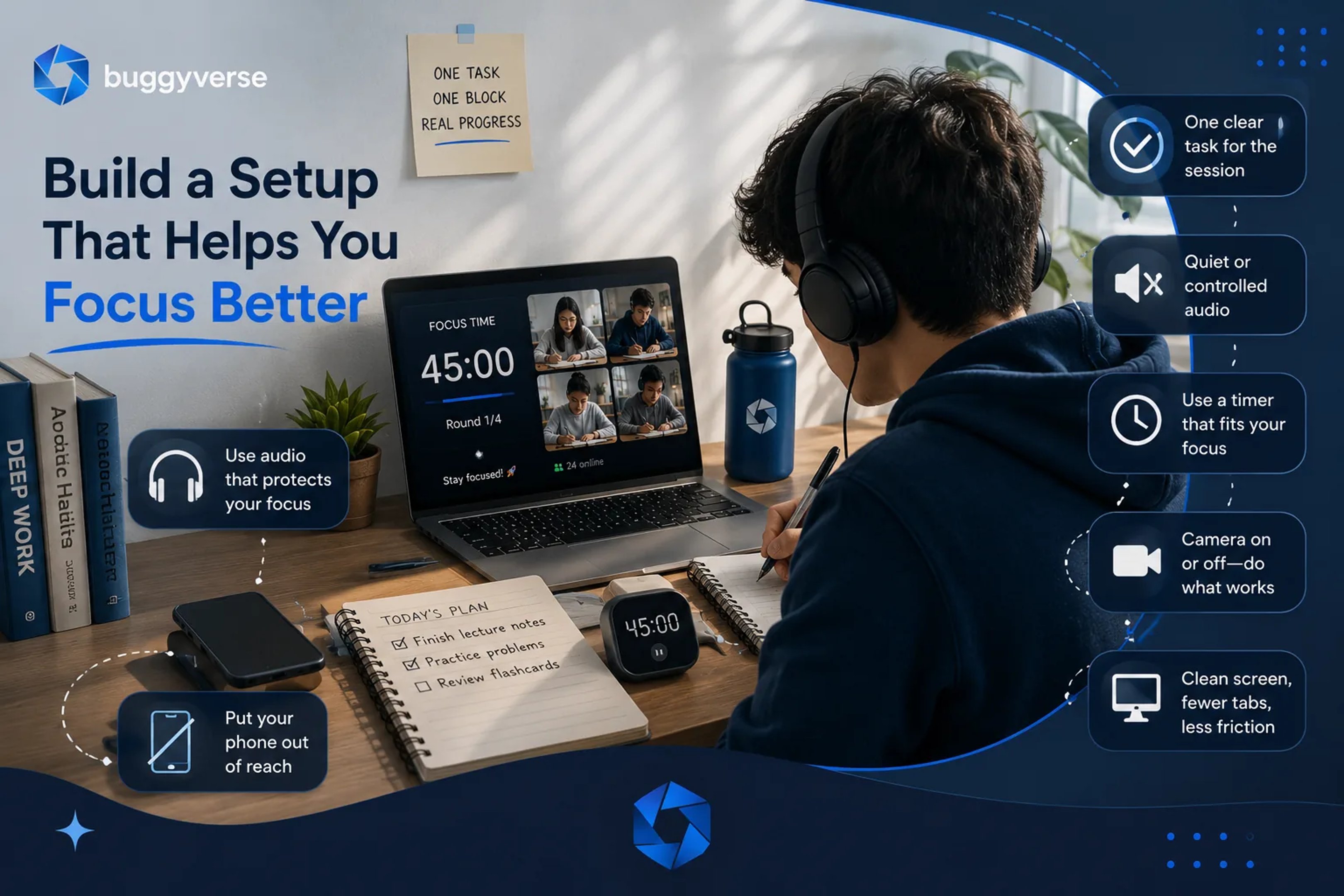
- Set one clear goal before the session starts.
- Put your phone out of reach if possible.
- Use a visible timer or shared sprint length.
- Choose tasks that fit the block. Do not cram a three-hour task into a 25-minute sprint.
- Use short check-ins before and after. Even one sentence can improve follow-through.
Students often over-focus on camera policy and under-focus on session structure. In reality, both matter, but structure usually matters more.
What if camera-on rooms make you anxious?
If camera-on rooms help your focus but make you anxious, try reducing the pressure instead of abandoning the format immediately.
- Use a simple background and seat angle you do not have to think about.
- Hide self-view if the platform allows it.
- Join smaller rooms with calmer norms.
- Start with short sessions instead of long ones.
- Remember that most people are focused on their own work, not on evaluating you.
If the anxiety still outweighs the benefit, that is useful information. Camera off may simply be the better tool for you.
What if camera-off rooms make you drift?
If camera-off sessions feel too loose, add accountability without forcing full-time video:
- Post your goal in chat at the start.
- Give yourself a written end-of-session check-out.
- Study alongside one accountability partner instead of a large room.
- Use a stricter timer format with scheduled breaks.
- Turn the camera on only during the first and last few minutes.
The problem may not be that camera off is wrong. The problem may be that the session needs a little more structure.
Best choice for exam season
During intense exam periods, students often need a setup that protects energy as much as focus. In that phase, the best format is usually the one you can repeat consistently for days or weeks.
If camera on gives you momentum without draining you, use it. If camera off keeps you calmer and helps you sustain longer study blocks, use that instead. Consistency beats the theoretically perfect setup that you avoid using.
Final takeaway
Camera-on and camera-off focus sessions can both help students study better. The better choice depends on whether you need more accountability or less friction.
If you tend to procrastinate, camera on may help you start and stay present. If video makes you self-conscious or tired, camera off may protect your attention better. And if your needs change from day to day, a hybrid setup is completely valid.
The smartest move is not to copy someone else's rule. It is to test the format that helps you focus, repeat it, and keep refining it.
If you want a low-pressure way to test both styles, try a calm online focus room where you can join a study session, set a goal, and see whether camera-on or camera-off feels better for your real workload.