Top 10 Online Study Room Websites to Study With Others in 2026
Studying alone is not always a motivation problem. Sometimes the harder problem is the environment: nobody else is working beside you, there is no shared rhythm, and it is easy to leave after the first distraction.
Online study rooms try to solve that problem by giving students a virtual place to focus alongside other people. Depending on the platform, that may mean a large live video room, a scheduled one-to-one body-doubling session, a shared Pomodoro room, a community voice channel, or a quieter digital workspace with timers and ambient sounds.
Last verified: July 2026
This guide compares ten online study room websites and apps for different study styles. We looked at whether each option provides live human presence, camera choice, focus tools, community features, free access, and a clear reason to return.
This guide is published by Buggyverse, which is included in the comparison. Buggyverse is an online study room platform built around shared focus, community, and reducing the isolation of studying online. We have tried to make the comparison useful rather than pretending our own platform is automatically the best choice for everyone.
If you are new to the idea, start with what an online study room is and how it works. If you already know what you want, use the comparison table below.
Quick Comparison of the Best Online Study Room Websites
Each platform solves a different focus problem. Use this quick list to narrow your options, then read the detailed comparisons below.
- StudyStream: Best for large, active 24/7 study rooms with students from around the world.
- Buggyverse: Best for free community-focused rooms with optional cameras, timers, chat, and screen sharing.
- Focusmate: Best for scheduled one-to-one body doubling with a committed accountability partner.
- LifeAt: Best for immersive digital workspaces with Pomodoro, tasks, calendars, music, and ambience.
- Flocus: Best for solo focus dashboards, customizable timers, task lists, and productivity statistics.
- Focus Room: Best for teacher- or host-led sessions that use website restrictions and activity monitoring.
- StudySpaces: Best for combining shared study rooms with Pomodoro, flashcards, and scheduled reviews.
- Discord: Best for established study groups, subject communities, voice rooms, and recurring sessions.
- YouTube: Best for passive “study with me” sessions that require almost no setup or interaction.
- Twitch: Best for live creator-led study streams with chat, timers, and recurring audiences.
1. StudyStream
Best for: large 24/7 study rooms and studying with strangers
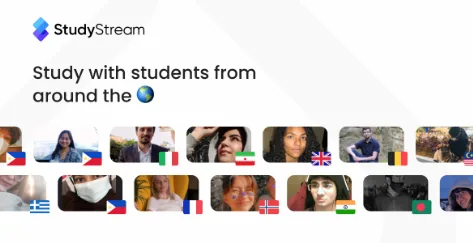
StudyStream is one of the most established choices for students who want to enter a large live room and immediately see other people working. Its focus rooms operate around the clock, which makes it useful across time zones and for students with irregular schedules.
Study Together is no longer a separate recommendation in this list because it has officially joined StudyStream. Existing Study Together community spaces may still be visible, but new users are directed toward StudyStream as the main platform.
Strengths
- Large global student community
- Live focus rooms available 24/7
- Easy to find other people studying at almost any hour
- Strong fit for students who want the feeling of a busy digital library
- Mobile apps and a browser experience
Limitations
- Large rooms can feel impersonal if you prefer a smaller recurring group
- The amount of activity may be distracting for students who want a quieter space
- Students looking for close community relationships may prefer a smaller platform
2. Buggyverse
Best for: community-focused study rooms with optional camera use
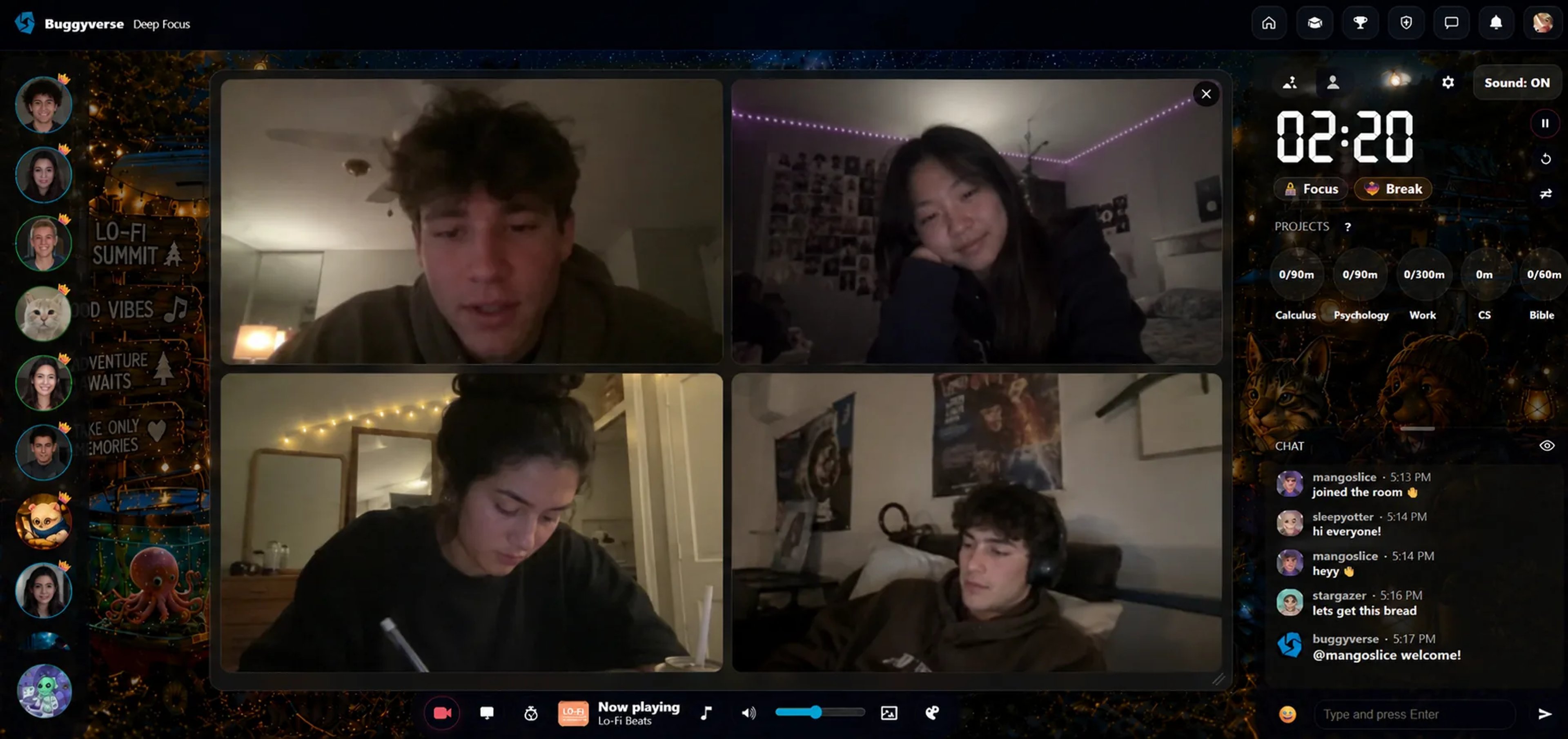
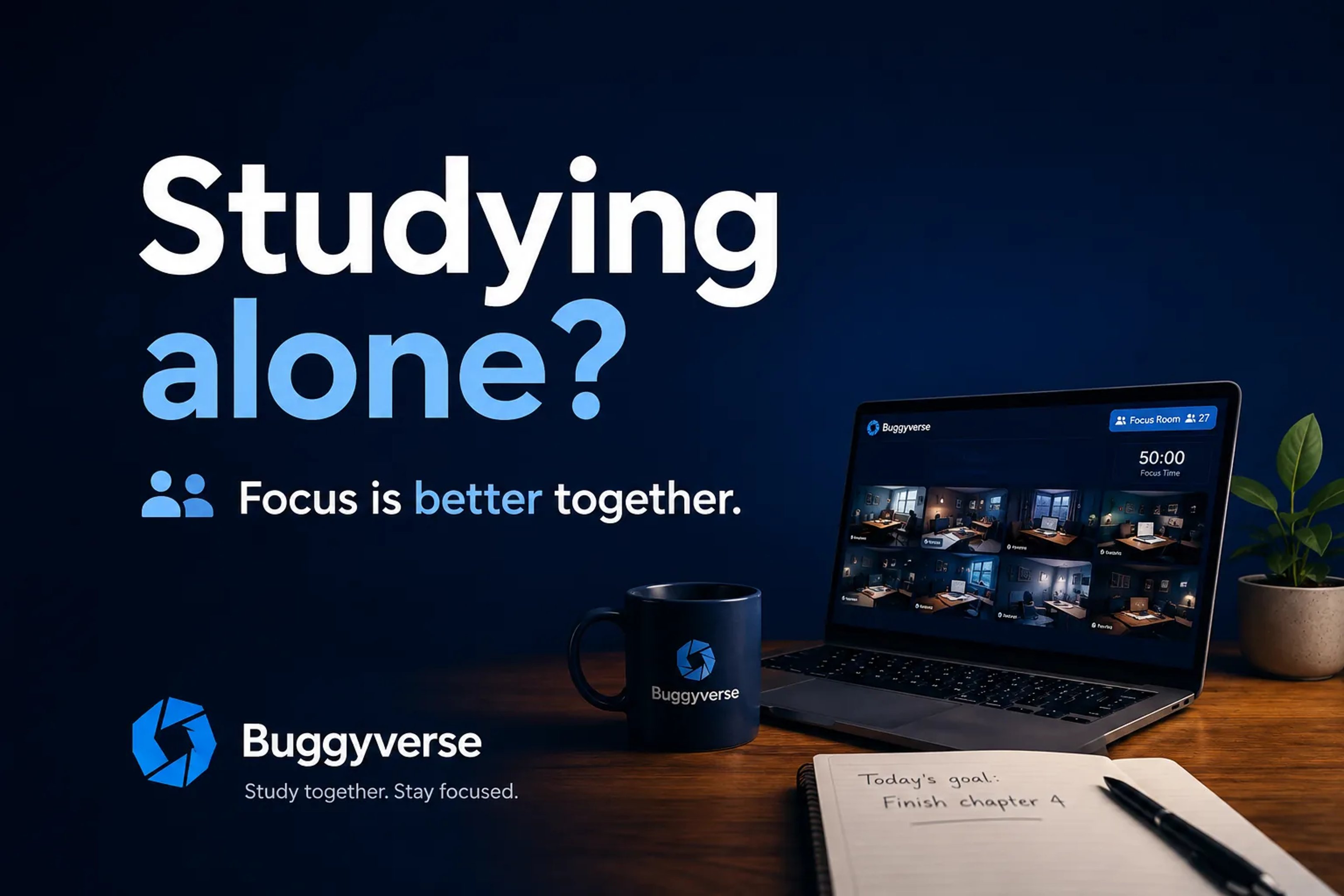
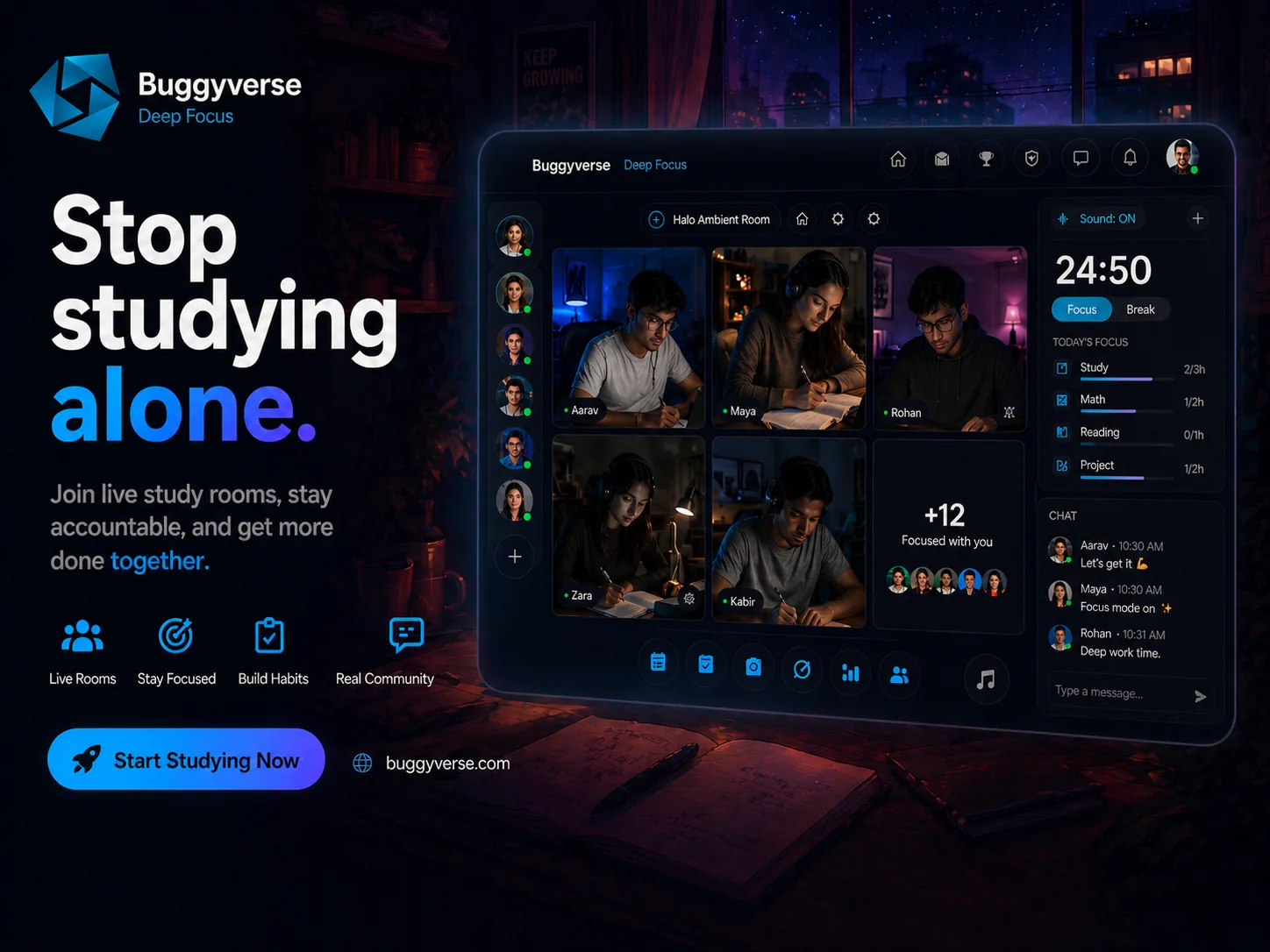
Buggyverse is designed for students, remote learners, developers, and other focused people who want more than a solo timer. Users can join public or private rooms, study beside other people, use focus timers, chat, turn cameras on or off, and share their screens when useful.
The main difference is that rooms are meant to become places people return to, not only one-time video calls. That makes Buggyverse a good fit for students who want both accountability and the possibility of recognizing familiar members over time.
Strengths
- Free online study rooms
- Public and private room options
- Camera-optional studying
- Focus timers, room chat, and screen sharing
- Community-oriented rather than purely transactional sessions
- Useful for fighting the isolation of online study
Limitations
- Buggyverse is newer and smaller than StudyStream
- Room activity can vary depending on the time of day and the room
- Students who want guaranteed one-to-one matching may prefer Focusmate
3. Focusmate
Best for: scheduled one-to-one accountability with a real person
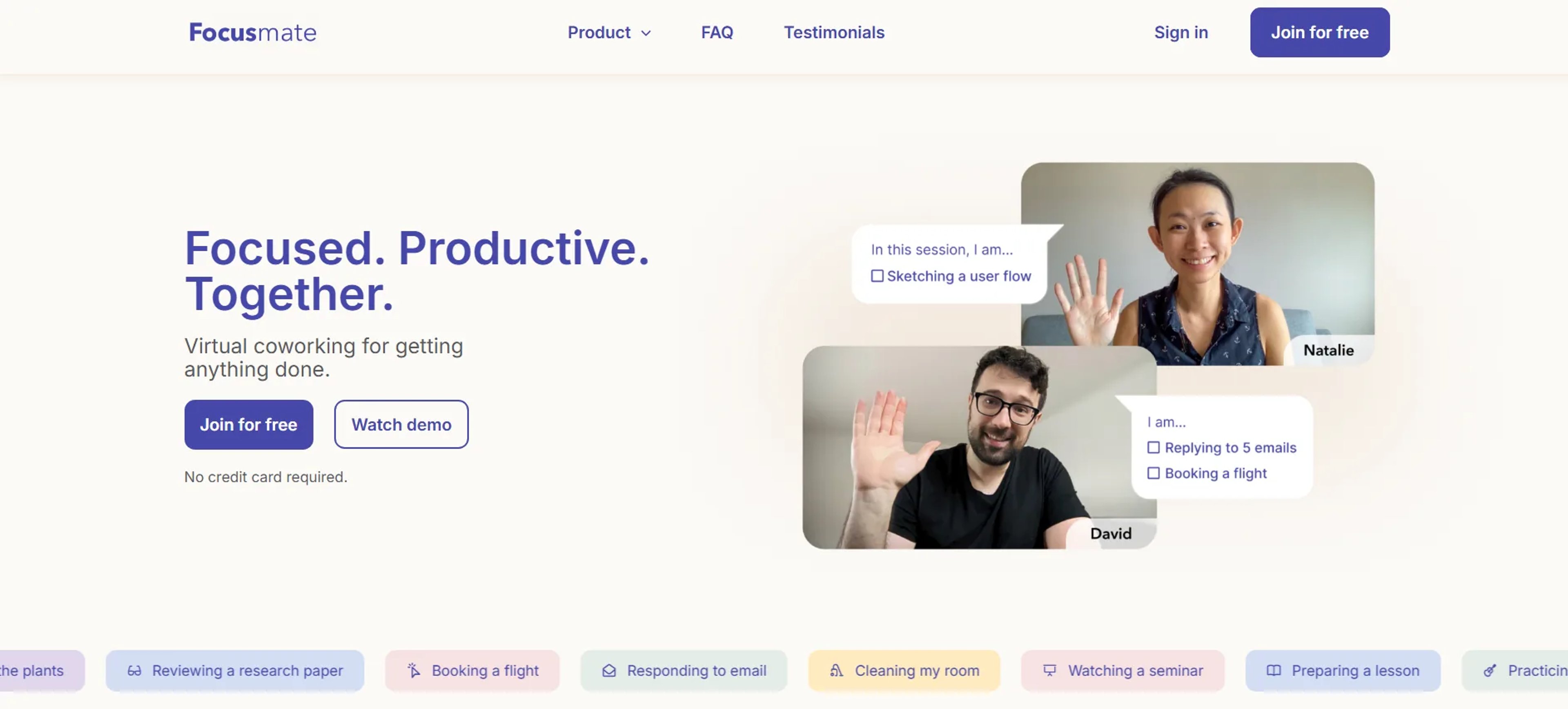
This format creates stronger commitment than opening a passive timer because another person has reserved the same session. It can be especially effective for students who postpone starting or who become distracted when nobody is expecting them to show up.
Strengths
- Direct one-to-one accountability
- Scheduled sessions create a clear start time
- Simple structure with an opening intention and closing check-in
- Free plan includes up to three sessions per week
- Useful for studying, writing, applications, and other focused work
Limitations
- Unlimited sessions require a paid plan
- Video participation is a central part of the experience
- It is less suitable if you want an open community room you can enter casually
4. LifeAt
Best for: immersive focus spaces, planning tools, and light virtual coworking
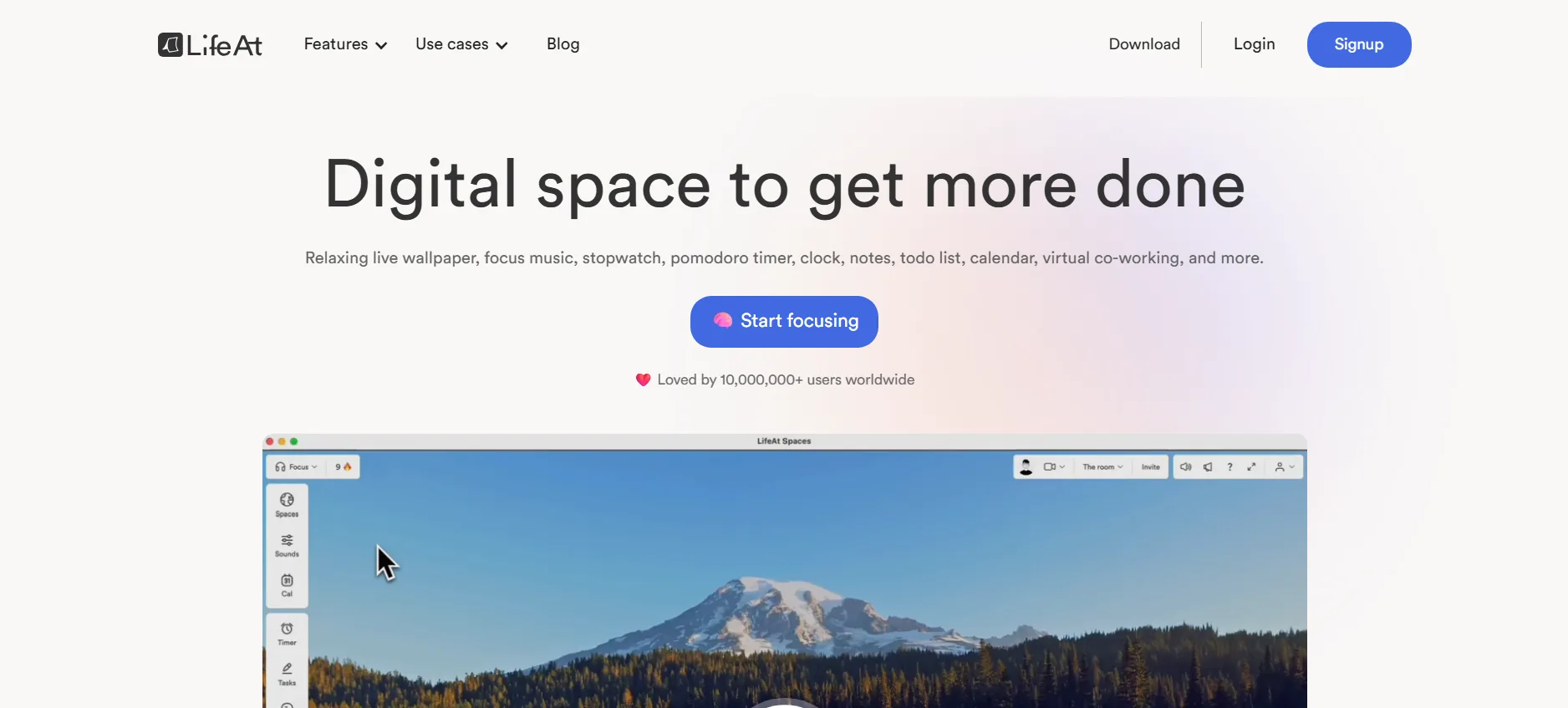
LifeAt combines virtual spaces with productivity tools such as a Pomodoro timer, tasks, calendar management, notes, music, ambient sounds, and time tracking. It is more like an immersive digital desk than a traditional public study hall.
LifeAt also supports shared coworking spaces, but the platform is strongest when you want to shape the look and sound of your environment while keeping planning tools visible.
Strengths
- Large selection of visual and ambient focus spaces
- Pomodoro timer, task manager, calendar, notes, and music
- Shared coworking options
- Good for students who use a second monitor or enjoy aesthetic workspaces
Limitations
- Human accountability is less central than it is on StudyStream, Buggyverse, or Focusmate
- The number of tools can feel excessive if you only want a simple room
- Some features require a paid plan
5. Flocus
Best for: solo focus dashboards, Pomodoro sessions, and productivity tracking
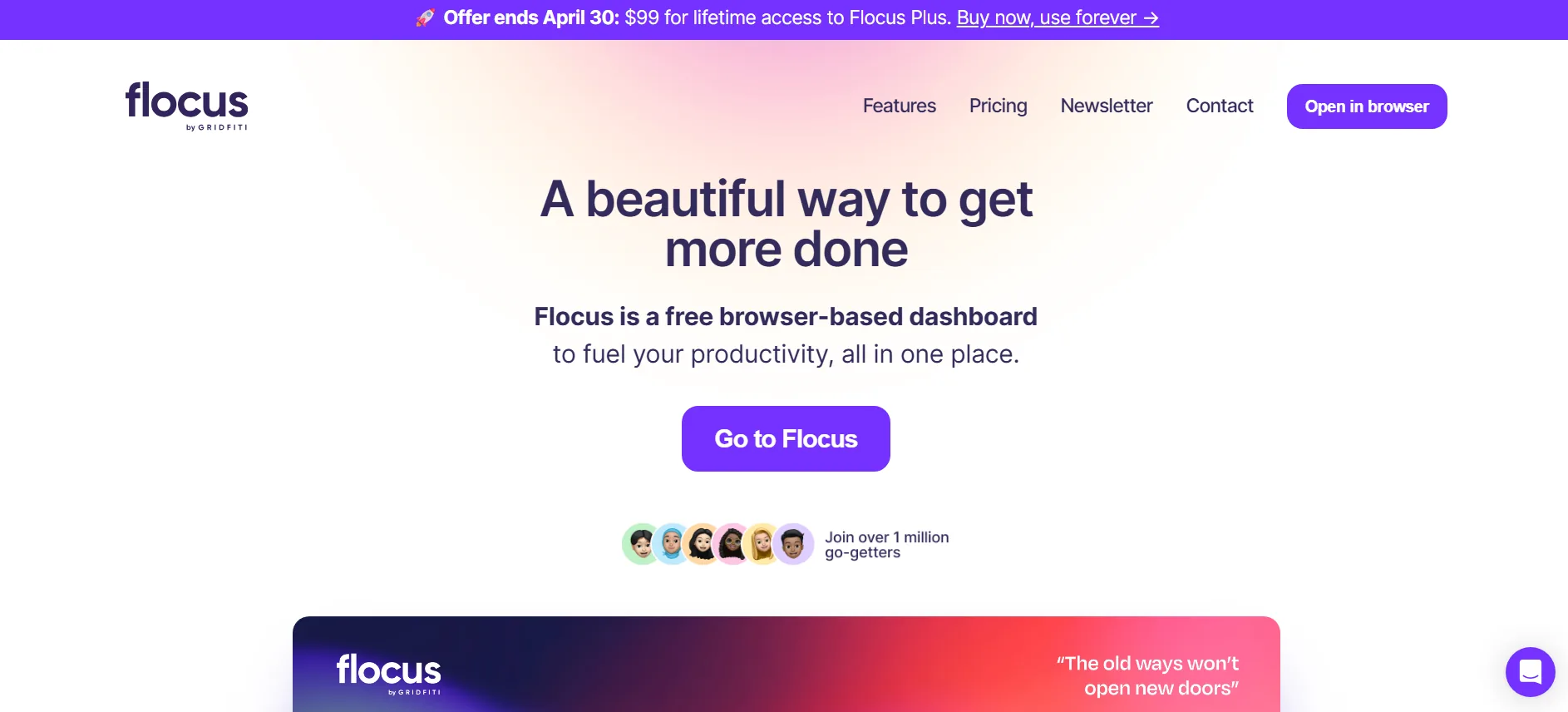
Flocus is not a live study room platform. It is a browser-based productivity dashboard built around customizable timers, task lists, focus statistics, themes, music, and layered soundscapes.
It belongs in this list because many people searching for an online study room are actually looking for a digital environment that makes solo work easier. Flocus is a strong option when you do not need other people visible on screen.
Strengths
- Pomodoro, countdown, stopwatch, and other timer modes
- Task list with priorities and estimated durations
- Focus statistics and streak tracking
- Custom themes, music, ambient sounds, and focus sounds
- Free basic timer experience
Limitations
- No live study partners or group accountability
- Some task and customization features are limited on the free plan
- It does not replace a community if loneliness is the main problem
6. Focus Room
Best for: hosted group sessions with website restrictions and monitoring
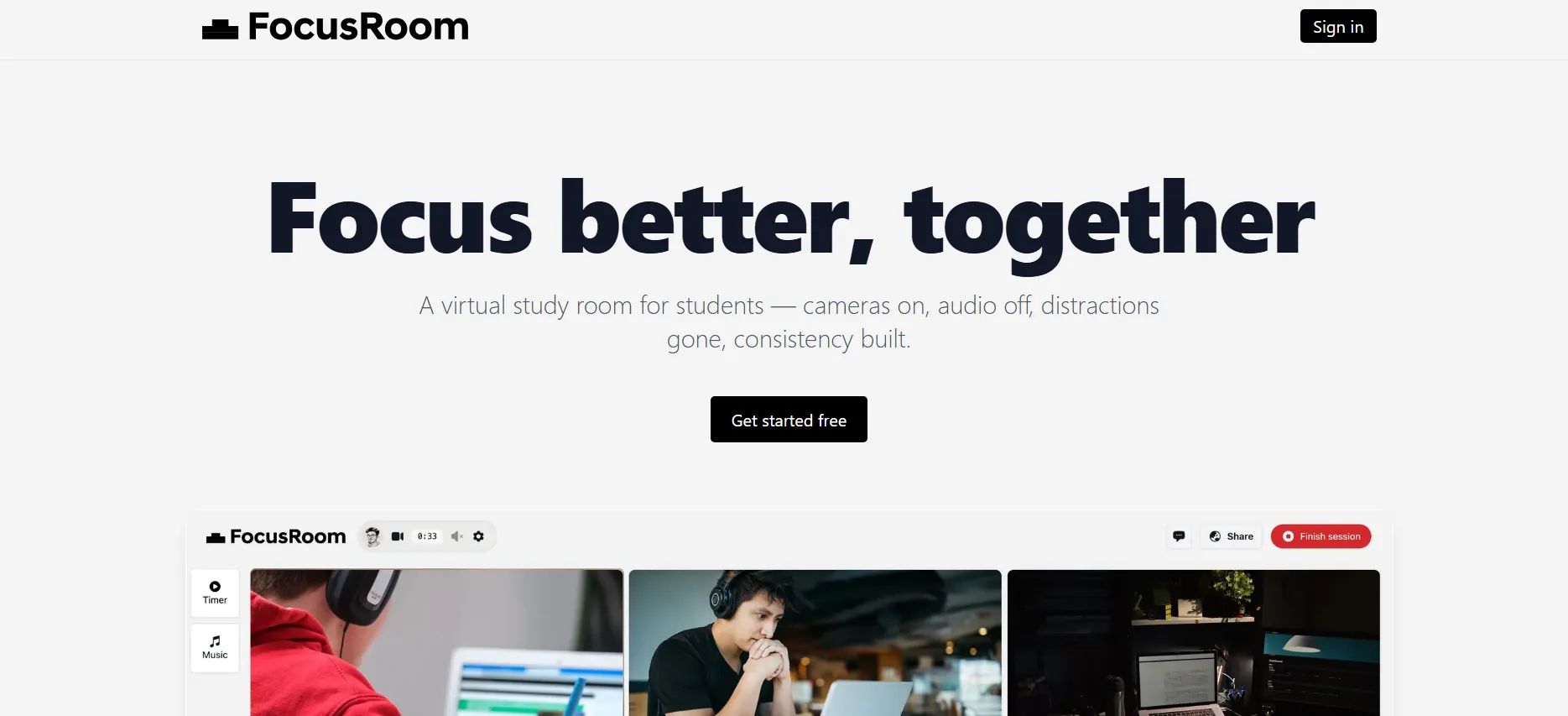
Focus Room is different from a normal camera-on study room. A host creates a session, chooses which websites participants may use, shares a room code, and monitors browsing activity through a Chrome extension.
That makes it more relevant to teachers, tutors, study-group leaders, and structured cohorts than to students who simply want to enter a public room and meet strangers.
Strengths
- Website whitelisting during sessions
- Real-time activity monitoring and violation reports
- Participants can join with a room code
- Useful when distraction control matters more than video presence
Limitations
- Requires the Chrome browser extension for participants
- Not designed as an open student community
- Monitoring can feel too strict for casual personal studying
7. StudySpaces
Best for: combining shared focus rooms with flashcards and review planning
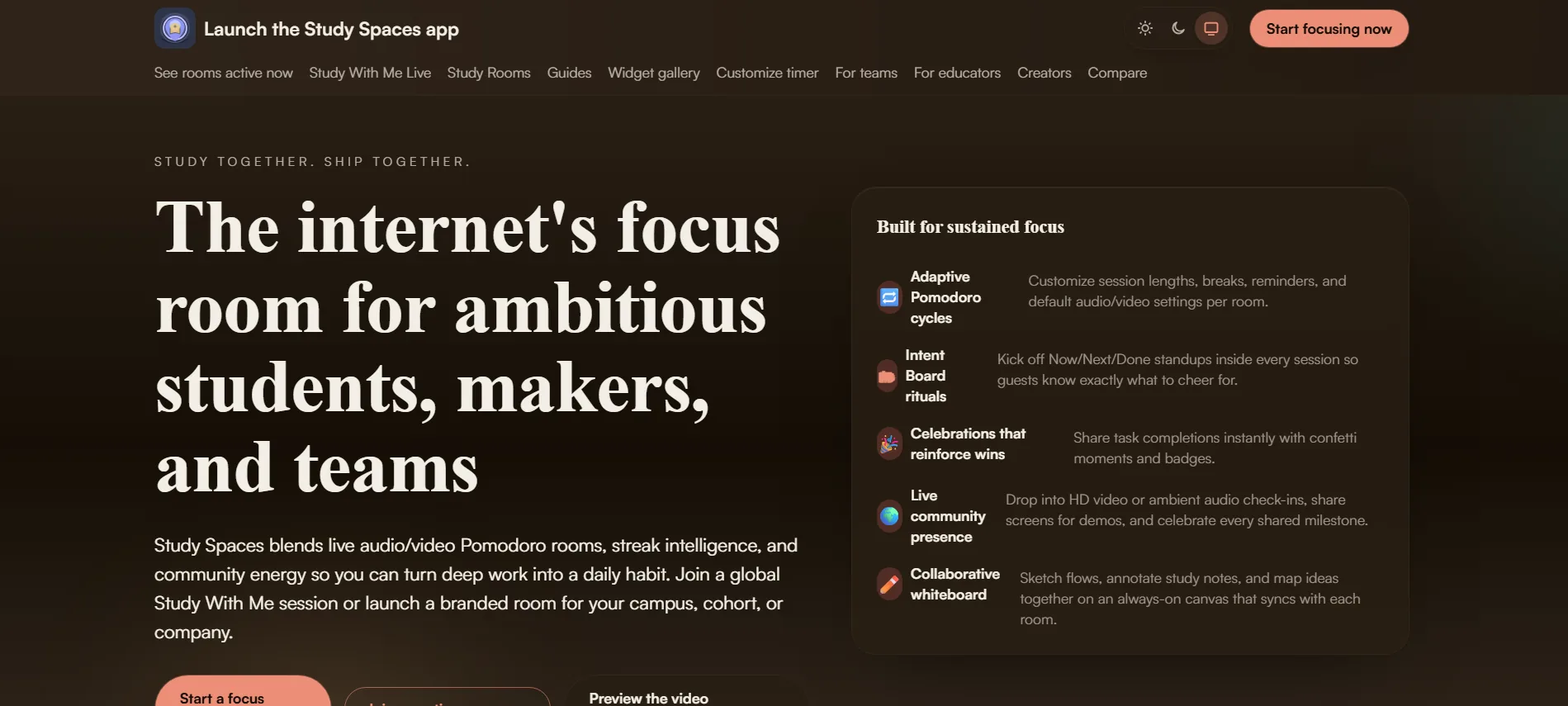
StudySpaces combines online study rooms with a broader learning system. Its rooms support Pomodoro-style focus, tasks, invitations, optional chat and video, while the wider platform includes flashcards, due reviews, and progress tools.
This is useful for students who want the room and the actual material they are reviewing to remain connected instead of using separate tools for accountability and recall practice.
Strengths
- Public and shareable study-room formats
- Camera-optional sessions
- Pomodoro timers, tasks, chat, invitations, and streaks
- Flashcards and review scheduling in the same platform
- Free core study modes
Limitations
- The larger learning system may be more than you need for simple body doubling
- Its community is less established than the largest platforms
- Students already committed to another flashcard system may not need the additional tools
8. Discord Study Servers
Best for: flexible study groups, subject communities, and recurring voice rooms
Discord is not a dedicated study-room product, but it gives communities text channels, voice rooms, video, screen sharing, roles, moderation tools, and bots. A well-managed server can therefore become a persistent online study group.
Discord works particularly well when the community already has a reason to stay together, such as a university, exam, subject, course, or shared language.
Strengths
- Free voice and text communities
- Optional video and screen sharing
- Subject-specific channels and roles
- Bots can add timers, reminders, and accountability systems
- Good for recurring groups and student organizations
Limitations
- General chat, notifications, and unrelated channels can become distracting
- Study structure depends heavily on moderators and community rules
- Finding a trustworthy and active server can take time
9. YouTube Study With Me Videos
Best for: passive accountability and immediate Pomodoro sessions
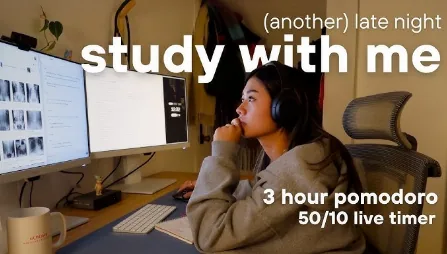
YouTube has a large “study with me” category made up of recorded and live sessions. Videos may include silent work blocks, Pomodoro timers, library ambience, typing sounds, music, or a creator studying on camera.
This is the lowest-friction option in the list. You can choose a session that matches the amount of time you have and begin immediately.
Strengths
- Large selection of free study sessions
- Easy to find specific Pomodoro lengths and study environments
- No need to show your face or interact
- Useful when you want background presence without social pressure
Limitations
- The creator cannot see whether you stay focused
- Recorded videos provide ambience rather than reciprocal accountability
- Recommendations, comments, and unrelated videos can become distractions
10. Twitch Study Streams
Best for: live creator-led studying with chat and a recurring audience
Twitch is mostly associated with gaming, but creators also run live coworking and studying streams. These sessions often use Pomodoro timers, quiet work blocks, music, progress commands, and live chat.
Compared with YouTube recordings, Twitch offers a stronger sense that the session is happening now. Regular viewers may also begin to recognize one another in chat.
Strengths
- Live creator presence
- Community chat and recurring schedules
- Free access to many streams
- Useful for students who prefer a host-led atmosphere
Limitations
- The platform is built for entertainment, so distraction is always close
- Stream quality and study structure vary by creator
- Viewers still receive passive rather than reciprocal accountability
Which Online Study Room Should You Choose?
The best choice depends less on the number of features and more on the type of pressure that helps you begin and continue working.
- Choose StudyStream if you want a large live room with people available around the clock.
- Choose Buggyverse if you want free rooms, optional camera use, interaction, and a community you can return to.
- Choose Focusmate if a scheduled one-to-one partner creates the strongest commitment for you.
- Choose LifeAt if you want an immersive workspace that combines atmosphere, planning, and light coworking.
- Choose Flocus if you prefer to study alone with a polished timer, task system, and focus statistics.
- Choose Focus Room if you are hosting a structured group and need website controls rather than an open public community.
- Choose StudySpaces if you want study rooms connected to flashcards and scheduled review.
- Choose Discord if you already have a study group or want a persistent subject-based community.
- Choose YouTube or Twitch if you want a creator studying in the background without needing to appear on camera.
What to Look for Before Joining an Online Study Room
A platform can look impressive and still be a poor fit for the way you study. Before choosing one, consider these questions:
- Do you need real accountability or only background presence?
- Would a large room energize you, or would it make you self-conscious?
- Do you want your camera on, off, or optional?
- Do you need to join immediately, or can you schedule a session?
- Do you want a one-time session or a community you can revisit?
- Do you need built-in timers, tasks, chat, or screen sharing?
- Is the free plan enough for the number of sessions you expect to use?
It is also worth checking the room rules before you join. Good rules reduce interruptions without making students feel watched. Buggyverse has a separate guide to study-room rules that actually work.
Why Online Study Rooms Can Improve Focus
A timer can tell you when to work, but another person creates a different kind of commitment. When you enter a room where others are already studying, starting feels more normal and leaving early becomes a more conscious decision.
That shared presence can help with:
- Starting work when motivation is low
- Reducing the isolation of remote learning
- Staying through longer assignments
- Building a repeatable study routine
- Preparing for exams with other students present
- Completing online courses and personal projects
The effect is not automatic. A noisy room, unclear rules, or excessive chat can make focus worse. The best study rooms create enough social presence to keep you accountable without turning the session into another source of interruption. For more practical guidance, read how to stay accountable in an online study room.
Online Study Rooms vs. Solo Study Apps
Solo study apps and online study rooms solve different problems. A solo app helps you organize tasks, track time, create a schedule, or control your environment. A live room adds human presence and social accountability.
Many students benefit from combining both. You might plan your week in a calendar, keep your task list in a personal dashboard, and then enter a study room when it is time to execute. The planning tool tells you what to do; the room helps you remain there long enough to do it.
Final Recommendation
There is no single best online study room for every student. StudyStream is the strongest option when you want a very large always-active community. Focusmate is better when you need a scheduled one-to-one commitment. LifeAt and Flocus are better when the digital environment and personal productivity tools matter more than live community. Discord works well for established groups, while YouTube and Twitch offer the easiest passive study companionship.
Buggyverse is the strongest fit when you want a free community-focused room with optional cameras, focus tools, chat, and a place you can return to instead of studying alone.
The best platform is not the one with the longest feature list. It is the one that makes it easier for you to begin, stay, and come back tomorrow.