What Is an Online Study Room?
If you have ever tried to study alone and lost momentum after 20 minutes, you are not lazy. You are missing structure.
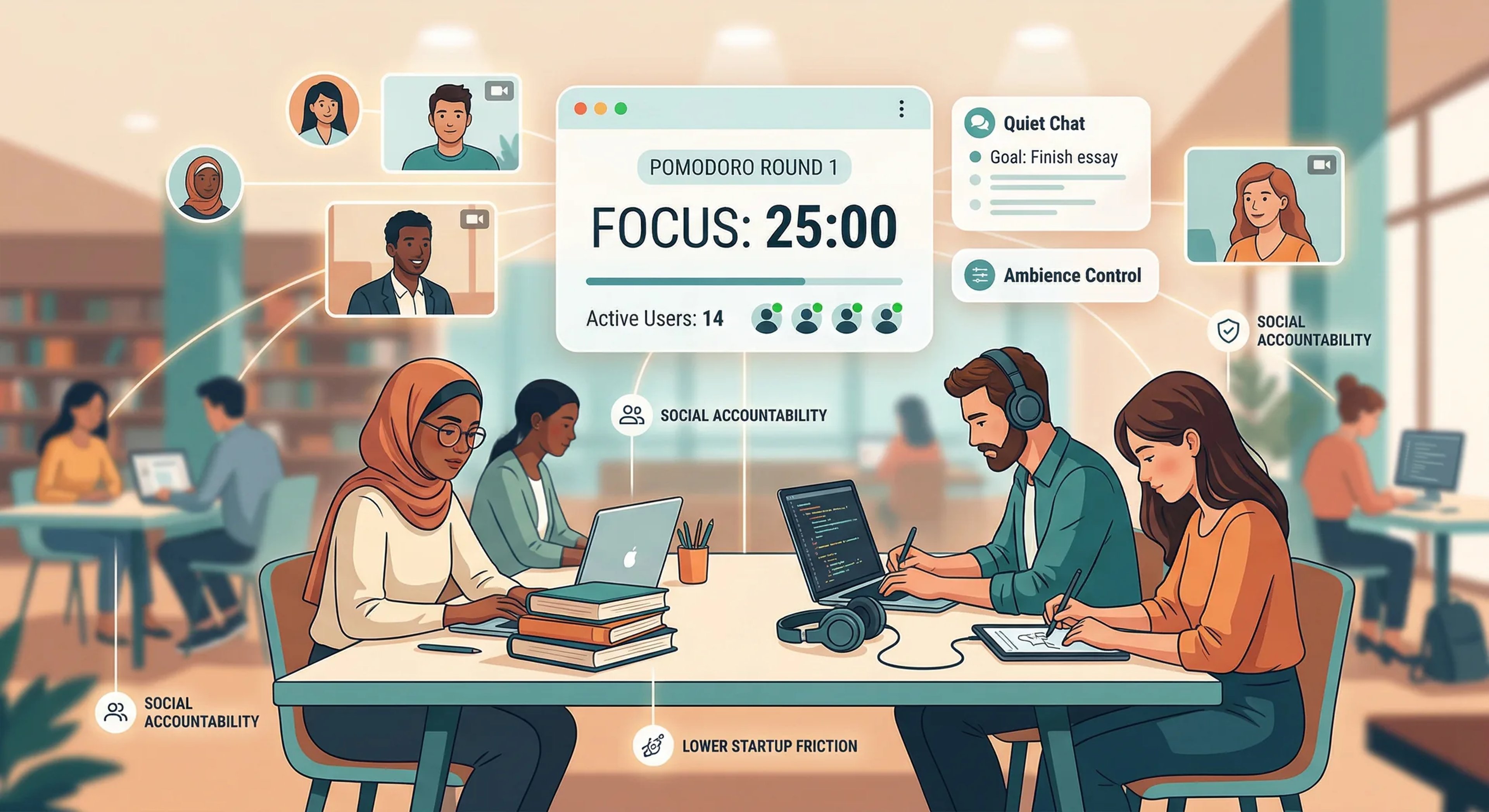
An online study room is a shared virtual space where people focus at the same time. Most rooms include a timer, live presence, and light social accountability so you can start, stay consistent, and finish your sessions with less friction.
This guide explains what online study rooms are, how they work, and how to use them well.
Quick Definition
An online study room is a digital environment where students or professionals join to do focused work in parallel. You are not necessarily collaborating on the same task. You are co-focusing.
Think of it as a virtual library table:
- Everyone has their own work
- Everyone follows a focus rhythm
- Everyone benefits from visible consistency
Why Online Study Rooms Work
Most people fail at focus because they rely only on motivation. Study rooms work because they use systems.
1) Social accountability
When others can see you are present, you are more likely to follow through. Even passive presence helps.
2) Time structure
Built-in focus/break cycles reduce decision fatigue:
- “When do I start?” is solved.
- “When do I stop?” is solved.
3) Lower startup resistance
Joining a room is a small action. Small actions create momentum.
4) Environmental cueing
A room becomes a repeatable context signal to your brain: “Now we focus.”
Core Components of a Good Online Study Room
Not all platforms are equal. A strong study room usually includes:
Focus timers
- Personal or group Pomodoro cycles
- Clear focus vs break state
- Reliable transitions and visibility
Presence indicators
- Who is active
- Who is on break
- Lightweight status context
Chat (minimal, not distracting)
- Quick check-ins
- Session goals
- Encouragement after rounds
Optional media controls
- Low-distraction background ambience
- User-level control (mute/volume/override)
Room-level structure
- Public/private room modes
- Moderation controls
- Clear room rules
Online Study Room vs Virtual Coworking
They overlap, but there is a difference in typical use:
- Online study rooms: usually student-heavy, session-based, timer-driven
- Virtual coworking: broader audience, often work-oriented, sometimes call-based
In practice, the best platforms support both patterns with different room types.
Who Benefits Most
Online study rooms are especially useful for:
- Students preparing for exams
- People with ADHD who need external structure
- Remote learners with low routine stability
- Professionals doing deep work blocks
- Anyone rebuilding consistency after burnout
Common Mistakes (and Fixes)
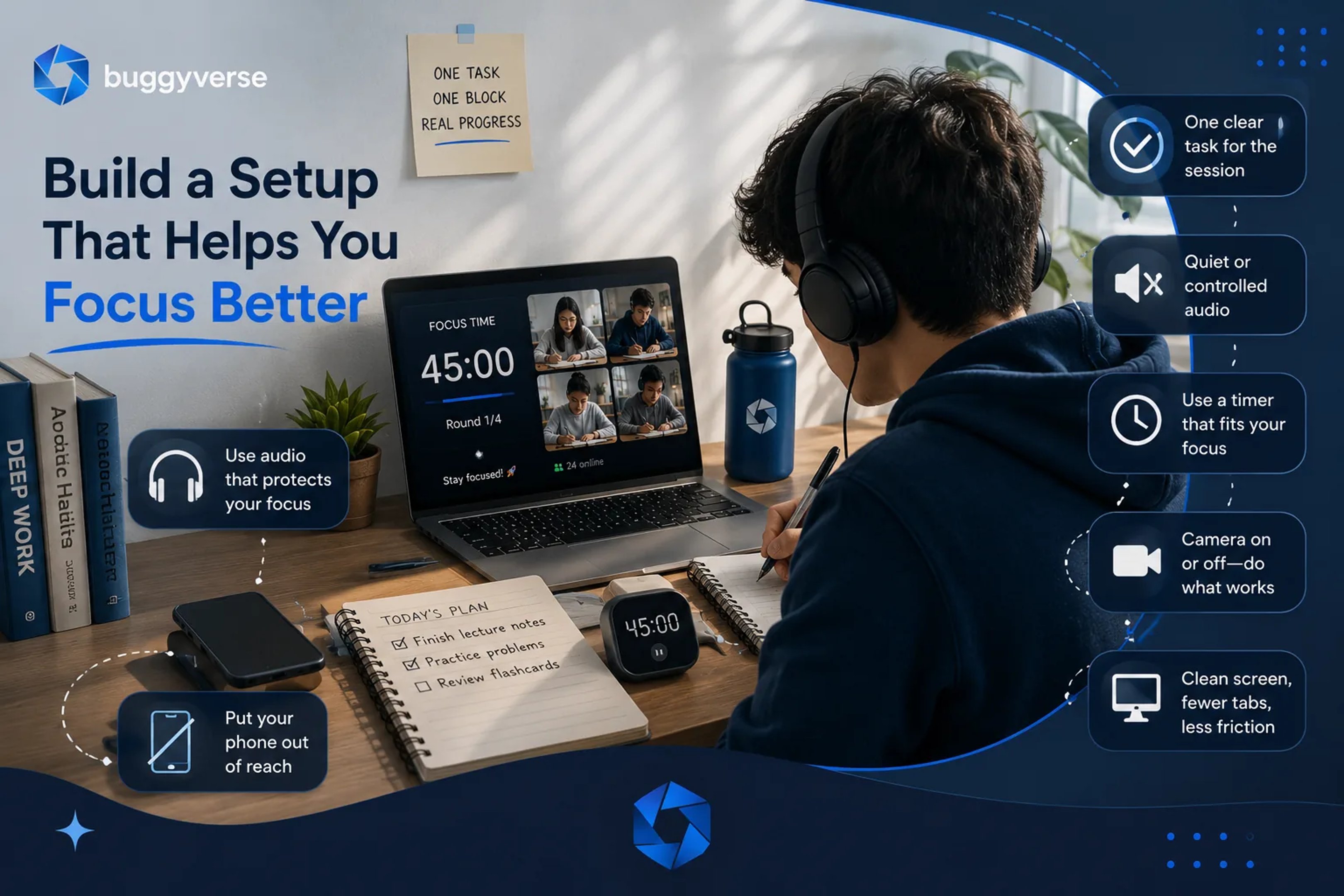
Mistake 1: Joining with no defined task
Fix: Enter with one concrete target.
Bad: “Study math.”
Better: “Complete 25 derivative problems and review mistakes.”
Mistake 2: Overusing chat
Fix: Use chat for intent, checkpoints, and wrap-up only.
Mistake 3: Ignoring breaks
Fix: Breaks are part of performance, not a reward.
Mistake 4: Switching rooms constantly
Fix: Stay in one room for at least one full cycle before changing.
Best-Practice Session Template (60–120 minutes)
Use this simple protocol:
1. Arrival (2 minutes)
- Define target outcome
- Set first focus block
2. Focus block (25–50 minutes)
- Single task only
- No platform hopping
3. Break (5–10 minutes)
- Stand up, hydrate, breathe
- No doom scroll
4. Second focus block
- Continue same objective or planned next step
5. Wrap-up (3 minutes)
- Log what was completed
- Set next starting action
This is how you convert effort into compounding progress.
Room Etiquette That Improves Results
- Declare your objective briefly when you enter
- Respect quiet focus windows
- Keep camera policy room-specific and explicit
- Encourage effort, not performative productivity
- Avoid advice unless asked
Good culture scales better than strict moderation.
Is Camera-On Required?
No. Camera is a tool, not a requirement.
- Camera-on can increase accountability for some people.
- Camera-off can reduce anxiety and increase sustainability for others.
The best setup is the one you can repeat consistently.
How to Choose the Right Online Study Room
Use this checklist:
- Clear timer UX (focus/break state always visible)
- Stable session flow (no reset chaos)
- Good moderation and reporting controls
- Mobile usability for quick check-ins
- Fast page performance (especially media-heavy rooms)
- Real community behavior, not empty rooms
Final Takeaway
An online study room is not “just another productivity app.”
It is a structure layer that makes focused work easier to begin and easier to sustain.
If you struggle with consistency, start simple:
- Join one room
- Set one clear task
- Complete one full cycle today
Repeat that daily, and results become inevitable.
FAQ
Are online study rooms free?
Many are free with optional premium features.
Do I have to talk to strangers?
Usually no. You can stay silent and still benefit.
Can I use online study rooms for work, not school?
Yes. They are effective for deep work, writing, coding, and planning.
How many focus cycles should I do per day?
Start with 2–4 quality cycles and scale based on your schedule.